

At a Glance: The TL;DR
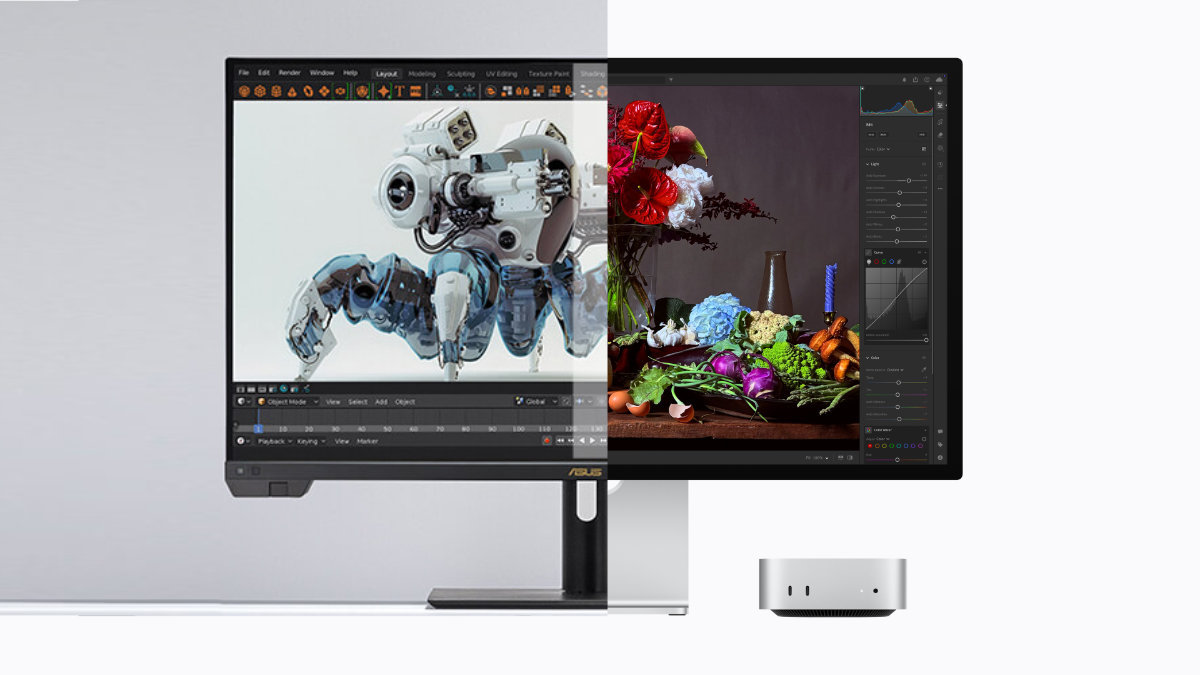
The battle for your desk has changed. The Studio Display XDR (RM13,499) offers the “frictionless” Mac experience with 120Hz ProMotion and a stunning 5K panel. However, the ASUS ProArt PA32KCX is the spec-sheet monster, offering 8K resolution and built-in motorised calibration. If you live in the Apple ecosystem, the XDR is home; if you are a cross-platform power user needing 8K for future-proof video grading, ASUS has officially denounced Apple’s dominance.
The Spec War: 5K/120Hz vs. 8K/60Hz
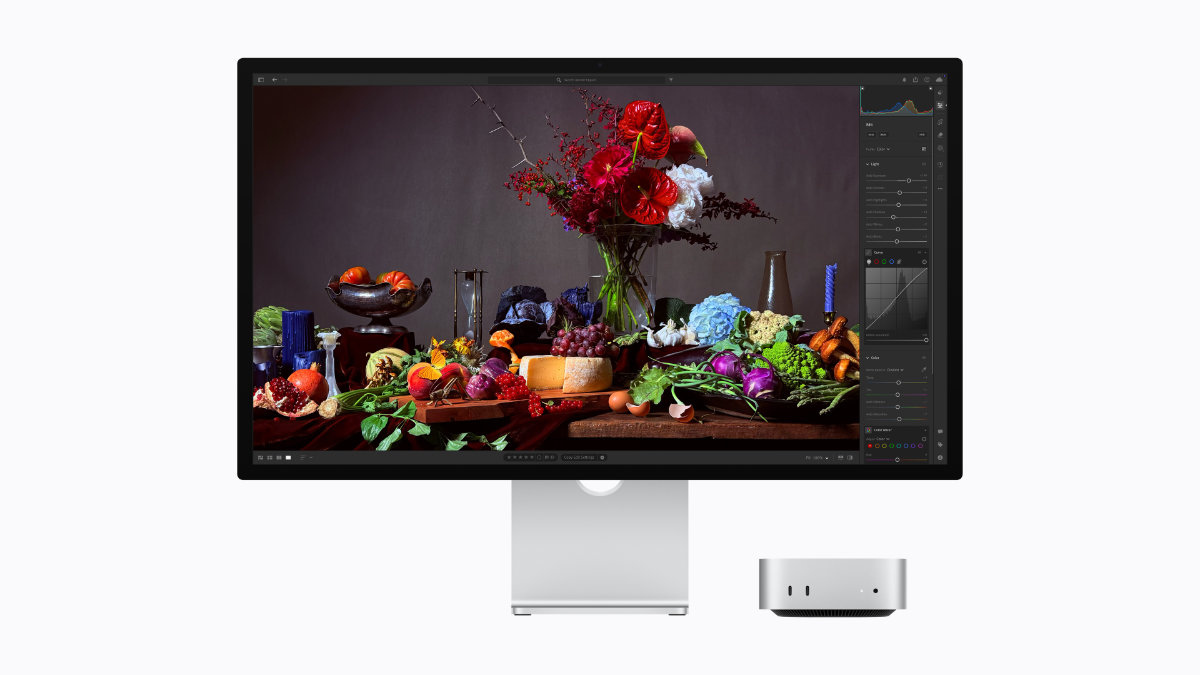
This is the core friction point of 2026. Apple is betting on fluidity (120Hz), while ASUS is betting on density (8K). The consensus? It depends on what you do for a living.
The Comparison Matrix
| Feature | Apple Studio Display XDR | ASUS ProArt PA32KCX | The “VernonChan” Verdict |
| Resolution | 5K (5120 x 2880) | 8K (7680 x 4320) | ASUS wins on raw 8K real estate. |
| Refresh Rate | 120Hz ProMotion | 60Hz | Apple wins on UI smoothness. |
| Panel Type | 27-inch Mini-LED | 32-inch Mini-LED | ASUS is the standard for 30″+ editing. |
| Peak Brightness | 2000 nits | 1200 nits | Apple is the king of HDR contrast. |
| Calibration | Factory Calibrated | Motorised Self-Calibration | ASUS wins on long-term accuracy. |
| I/O | Thunderbolt 5 | Thunderbolt 4 / DP 2.1 / HDMI 2.1 | ASUS is the cross-platform boss. |
Why the Studio Display XDR Wins on “Feel”
As we noted in our Studio Display XDR deep dive, Apple’s strength isn’t just the panel; it’s the integration.
1. The ProMotion (120Hz) Stutter-Fix
Moving from a 60Hz ProArt to a 120Hz XDR feels like upgrading from a HDD to an SSD. The UI fluidity in macOS Tahoe—the animations, the window management—is unmatched. Once your eyes adapt to 120Hz, going back feels like a slideshow.
2. The “It Just Works” Silo
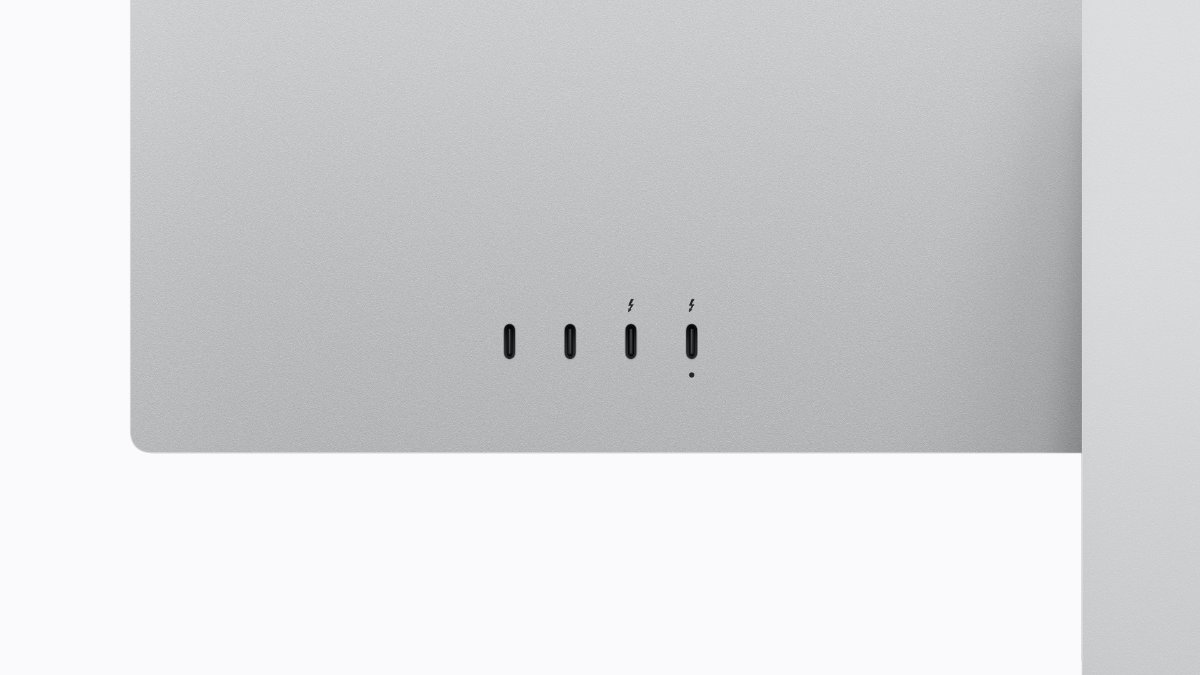
One cable (Thunderbolt 5) handles 140W power, 5K video, 12MP webcam, and a studio-quality mic array. There are no drivers, no firmware headaches, and no third-party calibration software. This is Apple abolishing the friction of the professional workspace.
Why the ASUS ProArt PA32KCX Wins on “Utility”
If you read our previous ProArt verdict, you know ASUS is the king of laboratory-grade customisation.
1. The Native 8K Advantage
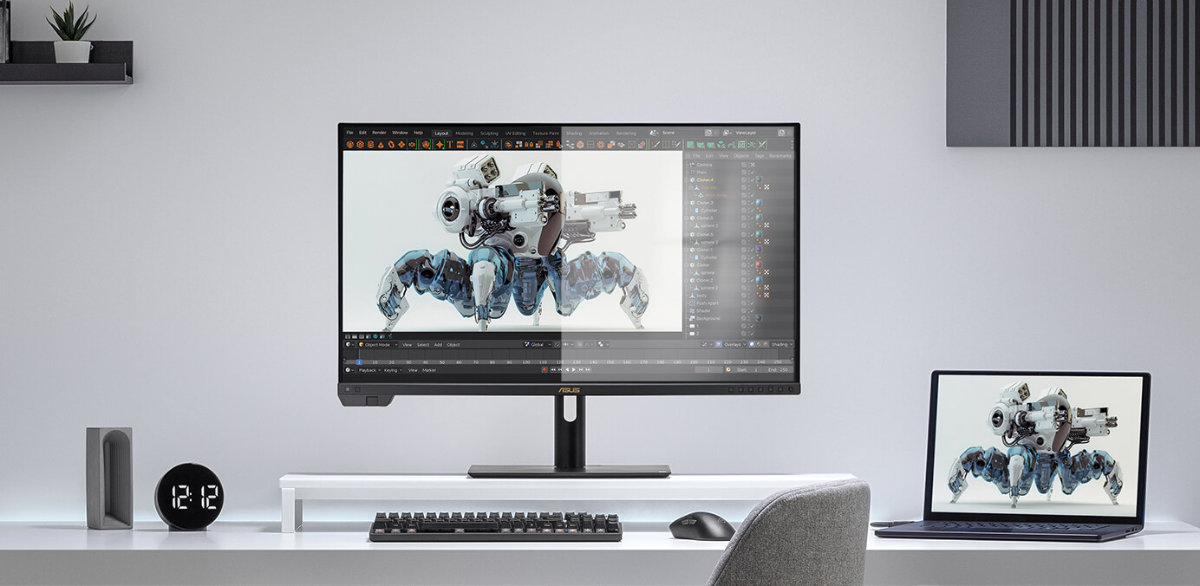
For filmmakers shooting 8K, being able to view your footage at native resolution while still having room for the timeline is a productivity superpower. 8K (7680 x 4320) offers four times the resolution of 4K. It’s the ultimate way to “future-proof” your video grading workflow.
2. Built-in, Motorised Calibration
The PA32KCX features a flip-out motorised colourimeter. It can calibrate itself automatically while you sleep, ensuring 100% color accuracy for print (Adobe RGB) and film (P3/Rec.2020) work without you having to buy a separate X-Rite or Calibrite device. Apple simply cannot match this internal verification.
Side note: To drive an 8K ProArt or a 120Hz XDR, you’ll need the 614GB/s bandwidth of the M5 Max.
The “VernonChan” Verdict
The Case for Apple (RM13,499)
Buy the Studio Display XDR if your life is 100% Mac and you don’t edit 8K video. The 2000-nit peak brightness and 120Hz ProMotion make it the best looking and feeling display for daily productivity, coding, and HDR video grading within the Apple silo.
The Case for ASUS (RM13,000+ Est.)
Buy the ASUS ProArt PA32KCX if you are a platform-agnostic pro. If you need 8K for high-end VFX or print work that requires near-perfect Adobe RGB (99%) and Rec.2020 (97%) coverage, the ProArt is a more versatile laboratory-grade instrument that plays nice with both your Mac and your PC workstation.
Frequently Asked Questions
Does the Studio Display XDR have better scaling?
Yes. macOS is hard-coded for 218 PPI. Both the 27-inch 5K Apple and the 32-inch 6K/8K ASUS hit this “Retina” sweet spot. You won’t see blurry text on either, but Apple’s 5K is the “native” resolution macOS was built for.
Can I daisy-chain with the ProArt?
Yes, the ProArt supports Thunderbolt 4 daisy-chaining, but the Studio Display XDR uses Thunderbolt 5, allowing for twice the bandwidth (120Gbps). This means you can run more high-speed drives off the back of the Apple display without lagging the screen.
