

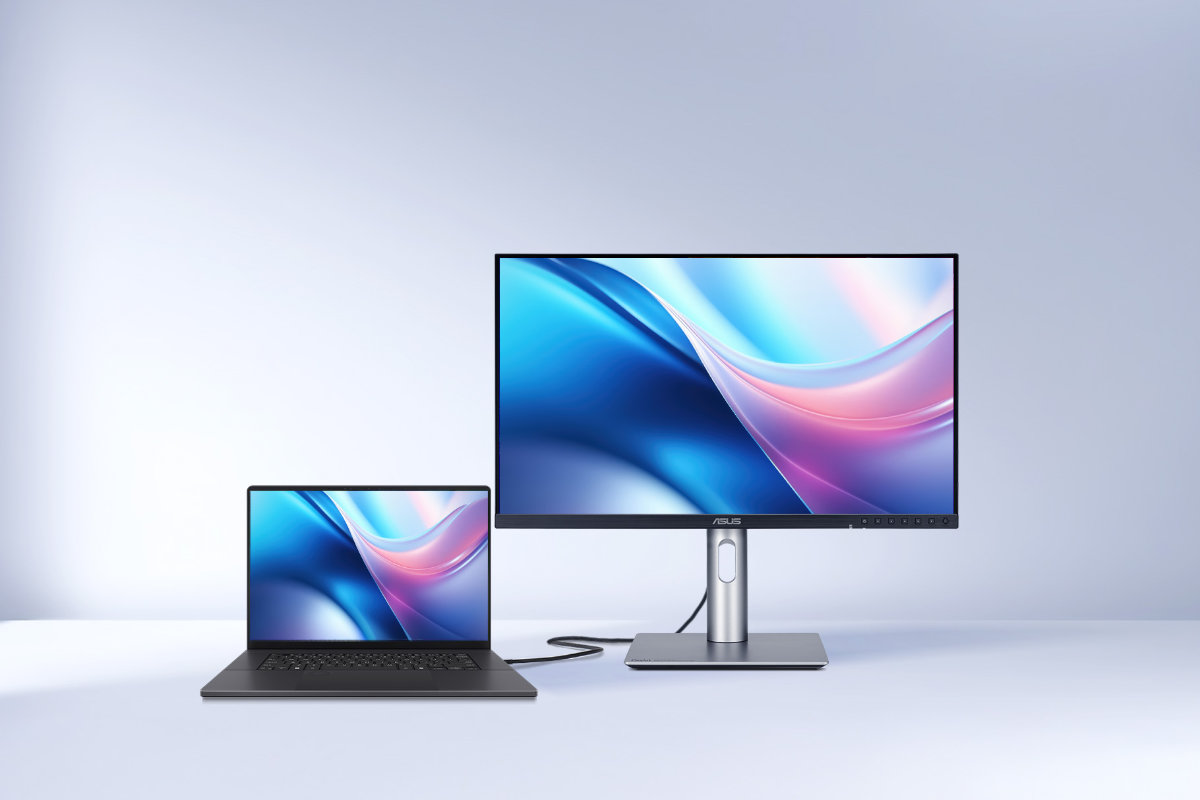
Quick Summary: Is the ASUS ProArt the best Mac monitor in 2026? Yes. ASUS has effectively neutralised Apple’s ecosystem advantage.
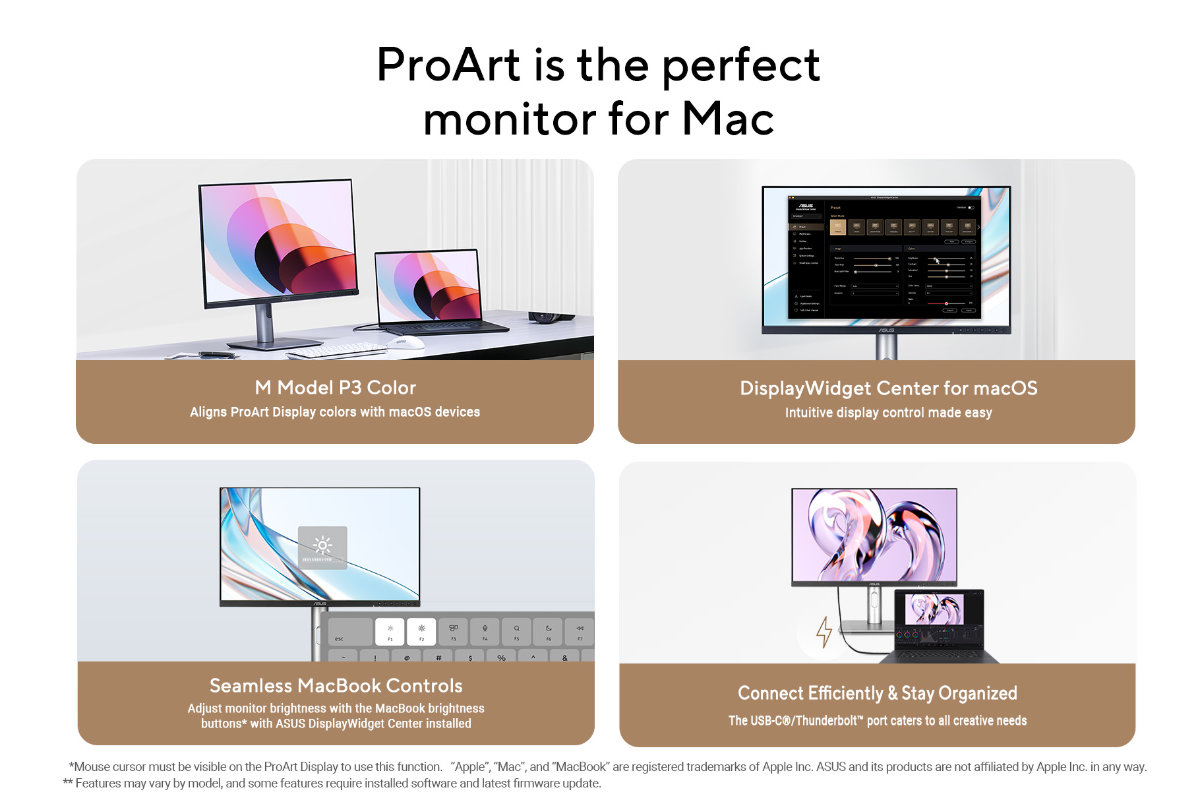
- Native Control: The new DisplayWidget Center enables MacBook brightness keys on external ProArt displays.
- Color Sync: M Model P3 aligns the monitor’s color gamut to match the MacBook’s Retina display.
- Superior Hardware: ProArt offers 240Hz refresh rates (ProMotion support) and 96W Power Delivery, outclassing the 60Hz Apple Studio Display.
- Included Value: Every purchase includes a US$803.85 Adobe Creative Cloud 3-month subscription.
For the longest time, the “Apple Ecosystem” was a gilded cage. If you wanted a monitor that played nice with macOS—native brightness keys, consistent color, and sleek integration—you bought a Studio Display. You tolerated the 60Hz limit and the lack of ports because “it just worked.”
ASUS just broke the cage wide open. With the 2026 firmware update to the ProArt line, ASUS has delivered what Mac users have actually been asking for: Professional-grade hardware with native macOS soul.
1. Native Control: No More OSD Fiddling
The biggest barrier to third-party monitors has always been the clunky controls. The new ASUS DisplayWidget Center for macOS changes the game.
- Keyboard Shortcuts: You can now use your MacBook shortcut buttons to control the ProArt’s brightness directly.
- Software UI: Adjust contrast and color temperature via an intuitive macOS app, not a joystick on the back of the screen.
2. ‘M Model P3’ & The Calibration Edge
Apple’s Liquid Retina displays are legendary for color, and the ProArt is finally speaking the same language.
- M Model P3: This new setting aligns the ProArt’s color performance directly with your MacBook for perfect consistency.
- Delta E < 1: Every unit is factory-calibrated and Calman Verified.
- On-Board Intelligence: Unlike most monitors, ProArt saves color profiles to its internal scaler chip. Whether you’re plugged into your Mac Studio or your Windows rendering rig, the color remains identical.
3. The Specs: A “ProMotion” Level Experience
While the Apple Studio Display is stuck in the past at 60Hz, select ProArt models now support up to 240Hz Variable Refresh Rate (VRR). This syncs perfectly with Apple’s ProMotion technology, giving you buttery-smooth scrolling and video playback that a Studio Display simply cannot match.
4. Connectivity & The Productivity “Tax”
The ProArt isn’t just a screen; it’s a Thunderbolt 4 / USB-C hub.
- Single Cable Life: 96W Power Delivery charges your MacBook Pro while handling 4K video and data.
- Built-in Auto KVM: Seamlessly switch between your Mac and PC using the same keyboard and mouse. No docking station required.
The “Instant Rebate”: The Adobe Bonus
Here is the math that makes the ProArt a no-brainer: Every purchase includes a free three-month subscription to the Adobe Creative Cloud All Apps plan (including 1TB storage and Substance 3D).
- Total Value: US$803.85 (~RM3,400+ equivalent).
- If you’re a working creative, the monitor practically pays for itself in software savings.
The VC Verdict
If you are a Mac user in Malaysia looking for a professional workspace, the debate is over. The ASUS ProArt offers better connectivity, higher refresh rates, and identical software integration for a better price.
It isn’t just a “Mac-compatible” monitor; it’s the monitor Apple should have built.
Quick Answers for Mac Creators
Does the ASUS ProArt support Apple ProMotion?
Select 2026 ProArt models feature up to 240Hz variable refresh rates, allowing them to sync perfectly with macOS ProMotion for smoother scrolling and motion-heavy creative work.
Can I control ASUS ProArt brightness with my Mac keyboard?
Yes. By installing the ASUS DisplayWidget Center for macOS, you can use your MacBook’s native shortcut keys to adjust brightness and contrast without using the monitor’s physical OSD buttons.
What is ‘M Model P3’ on ASUS monitors?
M Model P3 is a color-matching mode designed specifically for Mac users. It calibrates the ProArt display to mirror the color gamut and characteristics of a MacBook’s Liquid Retina screen, ensuring visual consistency across dual-monitor setups.
How do I redeem the free 3-month Adobe Creative Cloud subscription?
Register your eligible ProArt display on the ASUS Adobe Partnership site. You will receive a redemption code valid for the All Apps plan (including 1TB storage), which must be activated before August 31, 2026.
Does the ASUS ProArt work as a Mac docking station?
Yes. With Thunderbolt 4 or USB-C connectivity, a single cable provides up to 96W Power Delivery to charge your Mac while expanding ports via the monitor’s built-in USB hub and Auto KVM switch.
