

At a Glance: The TL;DR
Apple has officially killed the latency of on-device AI with the new MacBook Pro, powered by the M5 Pro and M5 Max chips. The M5 Pro and M5 Max aren’t just incremental speed bumps; they represent a fundamental architectural pivot. By integrating a Neural Accelerator into every single GPU core, Apple is delivering 4x faster AI performance than the M4 Pro. With 14.5GB/s SSD speeds and a long-overdue 1TB base storage, the “Pro” moniker finally feels like a reflection of reality rather than a marketing gimmick.
The Death of the “Ghz” Era
For decades, we’ve been conditioned to look at clock speeds. How many Gigahertz? How many CPU cores? M5 Pro and M5 Max render those questions secondary. In 2026, the only metric that matters is Tokens Per Second and Inference Latency.
Apple’s new Fusion Architecture is a surgical strike on traditional computing. By using high-speed interconnects to fuse two dies, Apple has created a unified silicon monster that treats AI tasks not as a “background process,” but as the primary language of the OS. If you’re still benchmarking using old-school CPU renders, you’re missing the point. The M5 is built for a world where Local LLMs (Large Language Models) are as common as web browsers.
Fusion Architecture: Two Dies, One Monster
The M5 Pro and Max move away from the monolithic chip design of the past. Instead, they utilise a 3nm (N3P) process refined to support Apple’s Fusion Interconnect.
The “Super Core” Philosophy
Apple has introduced what they call “Super Cores” within the 18-core CPU. These aren’t just performance cores; they are wide-execution units designed for extreme single-threaded bursts.
- The Result: Near-instantaneous app launches and zero-lag code compilation.
- The VC Take: This is about eliminating friction. Whether you’re opening a 2GB Photoshop file or a massive Xcode project, the Super Core handles the initial “hit” so the efficiency cores can take over the heavy lifting.
The Game Changer: The Neural Accelerator
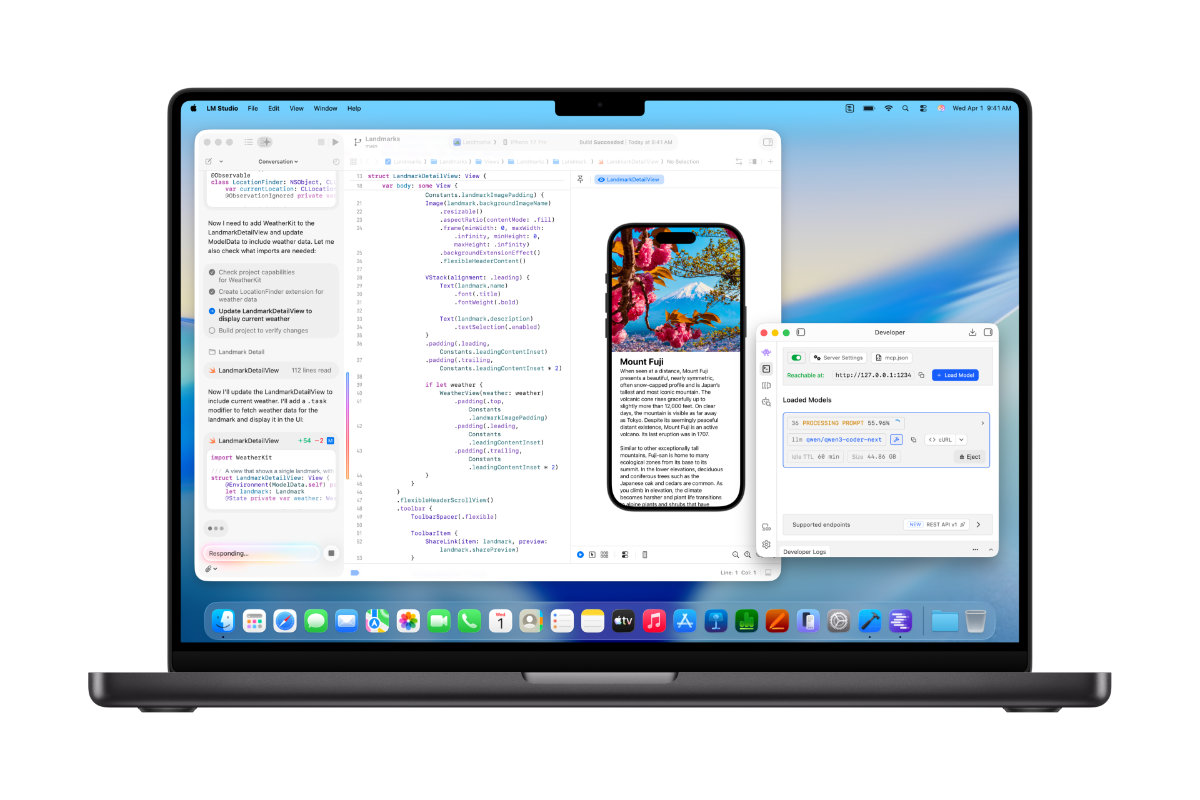
This is the headline. Traditionally, AI tasks were offloaded to the Neural Engine (NPU). In the M5 series, Apple has moved the goalposts by integrating a Neural Accelerator directly into every single GPU core.
- Why it matters: In the past, the GPU handled the pixels and the NPU handled the smarts. Now, they are fused.
- Real-world impact: When you’re doing real-time 3D rendering in Blender or upscaling video in Topaz AI, the data doesn’t have to travel across the chip. It happens where the pixels live. This results in an 8x jump in AI image generation compared to the now-ancient M1 Pro.
Technical Specifications: The Raw Power
For the spec-heads and the procurement managers, here is the baseline. No fluff, just the numbers that make the competition sweat.
| Feature | M5 Pro (14″ & 16″) | M5 Max (14″ & 16″) |
| CPU Cores | 18-Core (6 Super / 12 Perf) | 18-Core (6 Super / 12 Perf) |
| GPU Cores | 20-Core w/ Neural Accel. | 40-Core w/ Neural Accel. |
| Unified Memory | Up to 64GB | Up to 128GB |
| Memory Bandwidth | 307GB/s | 614GB/s |
| SSD Speed | 14.5GB/s | 14.5GB/s |
| Base Storage | 1TB | 2TB |
The End of “Storage Scrimping”
For years, VernonChan has been the loudest voice in the room calling out Apple for selling “Pro” machines with 512GB SSDs—a capacity that fills up after a single day of 8K shooting.
With the M5 series, Apple has finally “abolished” the poverty-spec SSD.
- M5 Pro starts at 1TB. * M5 Max starts at 2TB. But the capacity is only half the story. The new SSD controllers utilize four lanes of PCIe Gen 5 equivalent bandwidth to hit 14.5GB/s.
The VC Verdict: This means the SSD is no longer a bottleneck for the RAM. You can swap files in and out of virtual memory so fast that the “Spinning Beachball of Death” has officially been relegated to the history books. If you are editing 8K ProRes RAW, you can now scrub the timeline as if it were 1080p footage.
Thunderbolt 5: The “Dongle-Killer” Connectivity
The M5 Pro and Max are the first to fully embrace Thunderbolt 5. We’re talking about a jump from 40Gbps to 120Gbps of total bandwidth.
What does 120Gbps actually do for you?
- Multi-Display Nirvana: The M5 Pro can now drive two 6K displays at 120Hz. The M5 Max can drive four.
- The Studio Display XDR Match: This bandwidth is the only reason the new Studio Display XDR can run at 120Hz ProMotion while simultaneously acting as a high-speed hub for your peripherals. Looking for an alternative? Check out the Studio Display XDR vs ASUS ProArt comparison first.
- 140W Fast Charging: A single cable now provides enough juice to fast-charge the 16-inch MacBook Pro while handling a massive data stream.
The Buying Logic: Pro vs. Max
In the M4 era, the gap was wide. In the M5 era, the gap is specialised.
Get the M5 Pro if:
You are a developer, a professional photographer, or a high-end office power user. With 64GB of RAM support and 1TB base storage, the M5 Pro is the most balanced computer Apple has ever built. It handles Apple Intelligence tasks with zero thermal throttling and fits perfectly into a mobile workflow.
Get the M5 Max if:
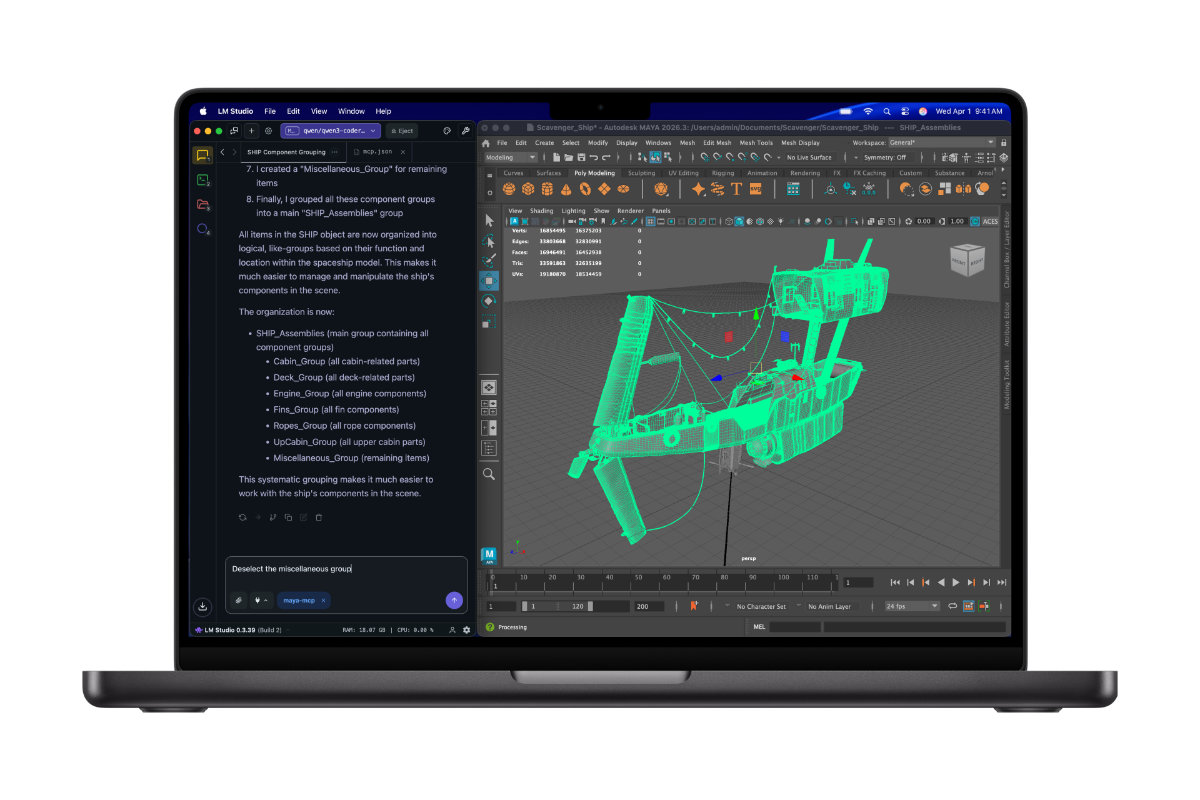
You are training Large Language Models (LLMs) locally or working in heavy VFX (Houdini, Maya, DaVinci Resolve). The 614GB/s memory bandwidth on the Max is specifically tuned to move massive datasets. If your work involves “waiting for the progress bar,” the M5 Max is the only choice. It is quite literally a data-center-grade processor in a laptop chassis.
Final Verdict: The Best Pro Since the G4?
The MacBook Pro M5 series feels like the moment the Apple Silicon transition finally “matured.” We’ve moved past the novelty of “great battery life” into a phase of absolute performance dominance.
Apple has stopped playing it safe with the specs. By doubling the base storage and integrating AI accelerators into the GPU, they have created a machine that doesn’t just support the future—it dictates it.
The M5 Pro & M5 Max: Frequently Asked Questions
What exactly is a “Neural Accelerator” in the GPU?
In previous M-series chips, AI tasks were offloaded to a separate 16-core Neural Engine (NPU). In the M5 Pro and M5 Max, Apple has integrated a Neural Accelerator cluster directly into every single GPU core.
The Benefit: It “abolishes” the data bottleneck. By doing the math exactly where the graphics are rendered, you get 4x faster AI performance for tasks like real-time video masking in Final Cut Pro and 8x faster image generation than the M1 Pro. It’s not just a “smarter” chip; it’s a more efficient one.
Does the RM6,999 base MacBook Pro still come with a 512GB SSD?
The Reality: Yes and no. The 14-inch MacBook Pro with the base M5 chip still starts at 512GB (RM6,999). However, if you step up to the M5 Pro or M5 Max models, Apple has finally listened to our feedback:
M5 Pro Models: Now start with 1TB SSD standard.
M5 Max Models: Now start with 2TB SSD standard.
The Speed: All M5 Pro/Max drives now hit 14.5GB/s, which is 2x faster than the previous generation.
What is the “N1 Chip” and why should I care about Wi-Fi 7?
The Technical: The N1 is Apple’s first in-house wireless networking silicon, replacing third-party controllers. It enables Wi-Fi 7, Bluetooth 6, and Thread support.
The “Why”: If you’re working in a crowded studio or an office with a Wi-Fi 7 mesh, you’ll see significantly lower latency and more stable connections for AirPlay and Universal Control. It’s the “invisible” upgrade that makes the M5 ecosystem feel more cohesive.
Is the M5 Max overkill for a creative professional?
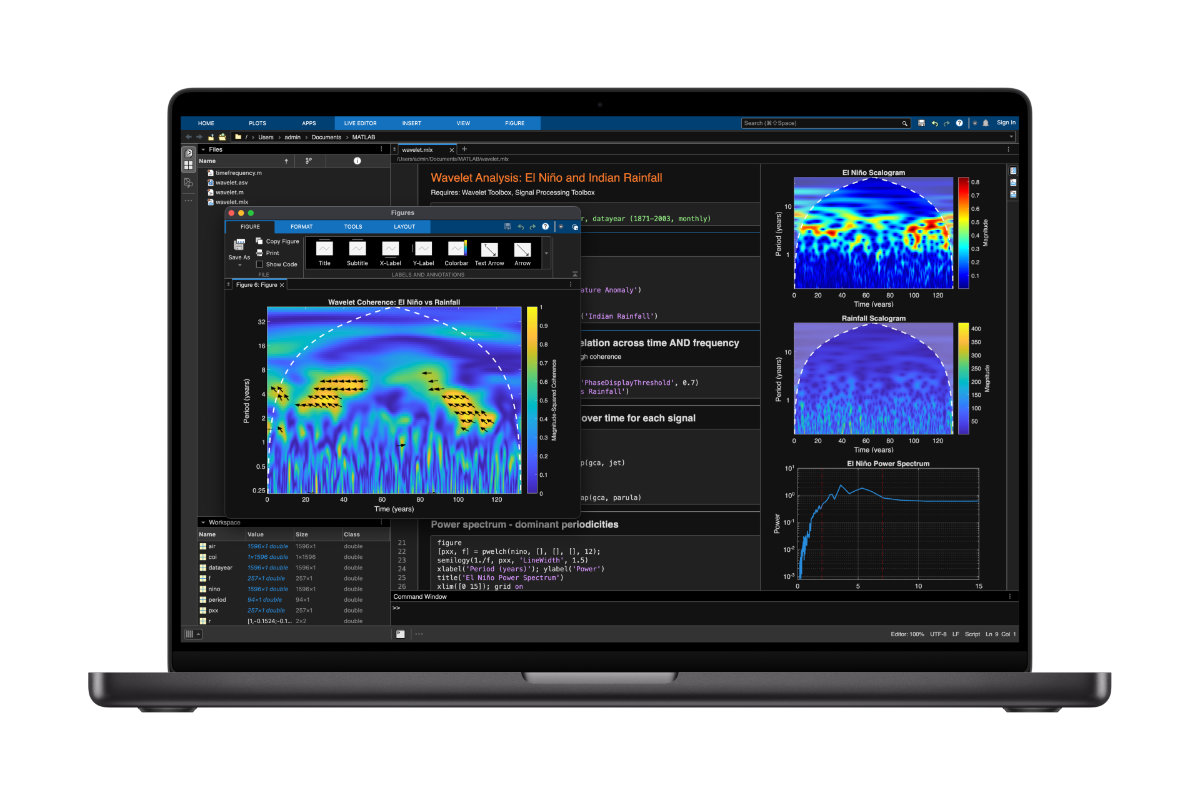
It depends on your “waiting time.” If you are a photographer or a 4K video editor, the M5 Pro with its 307GB/s bandwidth is more than enough. You only buy the M5 Max if you are moving massive datasets—think Local LLM training, 8K ProRes RAW multi-cam editing, or complex 3D simulations. The 614GB/s memory bandwidth is specialised hardware for those who lose money every second they wait for a render.
Can the M5 Pro drive the new Studio Display XDR at 120Hz?
Absolutely. Thanks to Thunderbolt 5 (120Gbps), the M5 Pro can drive up to two Studio Display XDRs at full 5K/120Hz. The M5 Max can drive up to four. If you are still on an M1 or M2 Pro, you will be capped at 60Hz due to the older Thunderbolt 4 (40Gbps) bandwidth limits.
