

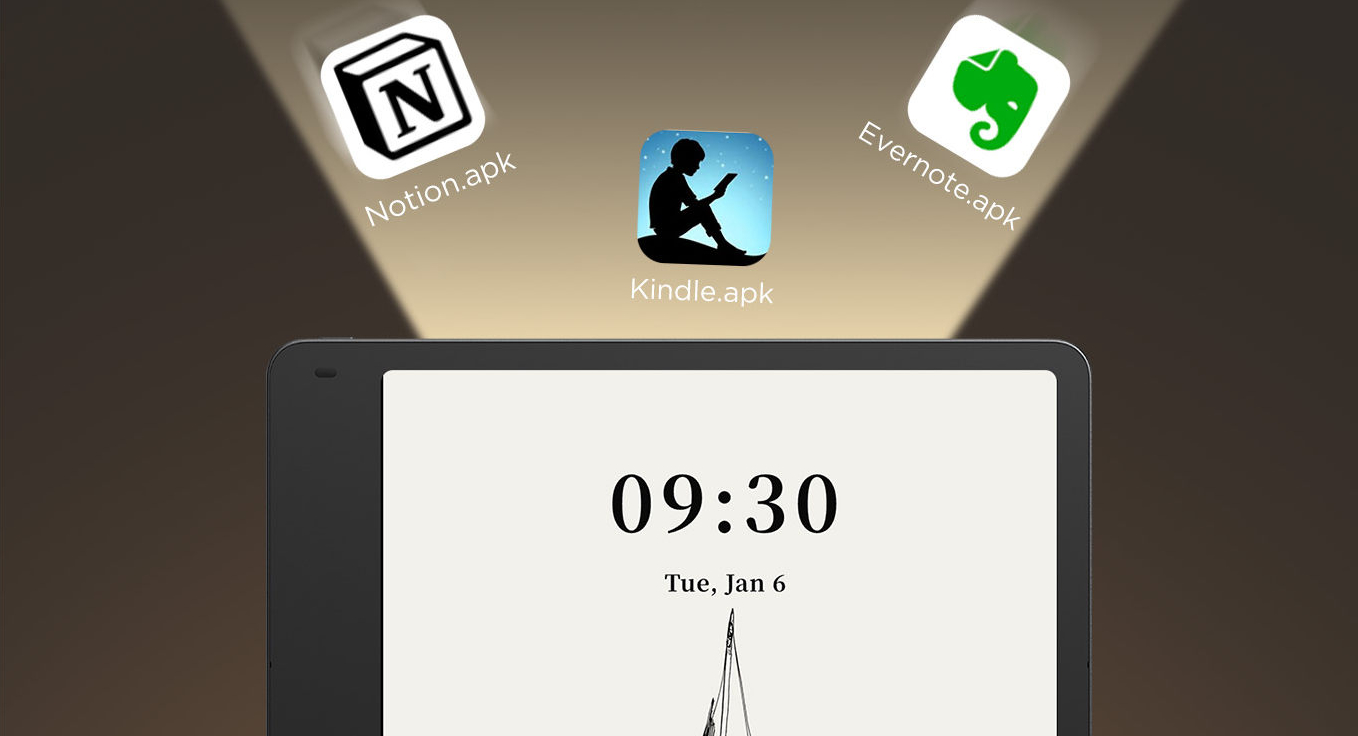
TL;DR: If you’re looking for an Android 14 tablet for productivity, the TCL Note A1 NXTPAPER offers a “Bring Your Own App” (BYOA) philosophy that legacy e-readers like the Kindle Scribe can’t match. By choosing an open system over Amazon’s walled garden, you gain native cloud integration, real-time multitasking, and the ability to replace bundled AI like Microsoft Copilot with your own preferred tools.
The “Tenant” Problem: Living in a Walled Garden
For years, being a Kindle owner meant being a tenant. You don’t “own” the OS; you rent a space in Amazon’s ecosystem. Want to sideload a complex PDF? You’re fighting a conversion battle. Want to export your handwritten notes to Notion or Obsidian? You’re looking at a multi-step email-and-sync dance that feels like a relic of 2010.
When searching for a modern Android 14 tablet for productivity, most professionals are tired of this “tenant” problem—the frustration of being locked into a closed ecosystem that dictates how you access your own files. The TCL Note A1 NXTPAPER represents a shift toward Digital Sovereignty. Because it runs a full, open version of Android 14, it transforms from a simple e-reader into a paper-like workstation that adapts to your specific professional needs rather than forcing you to adapt to its limitations.
Bypassing the “AI Bloatware”: The Copilot Strategy
TCL has marketed the Note A1 heavily as an “AI Tablet,” specifically highlighting its deep integration with Microsoft Copilot. For some, this is a selling point; for others, it’s a potential dealbreaker—either due to data privacy concerns or a simple dislike of the Microsoft ecosystem.
The beauty of a dedicated Android 14 tablet for productivity, however, is that you aren’t trapped by the manufacturer’s marketing partnerships. Unlike the Kindle, where you are stuck with whatever Amazon pushes to your home screen, the Note A1 allows for a “Vessel Strategy”:
- Disable and Replace: Don’t like Copilot? You can disable the system-level shortcuts and remove the widgets.
- Leverage the Hardware: The Note A1 features a superior 8-microphone array designed for high-fidelity audio capture. I use this hardware to run my own preferred stack—Otter.ai for real-time meeting transcription and ChatGPT for localized drafting.
- Customisation: You get the premium 120Hz NXTPAPER hardware without being forced into a specific AI ideology. You own the tool; you choose the brain.
The Power of Sideloading: Beyond the Bookstore
On a Kindle, you read books. On an Android 14 tablet for productivity, you manage projects. The ability to sideload APKs and access the Google Play Store fundamentally changes the utility of the device.
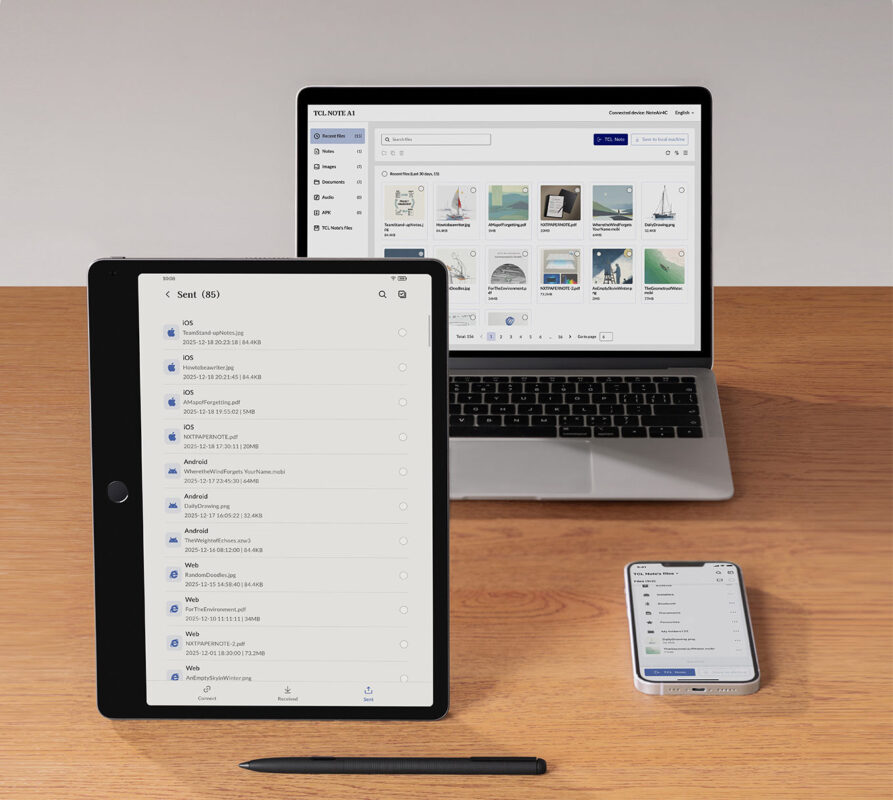
- Direct File Access: I can map my Synology NAS or Google Drive directly to the Android file system. No more “Send to Kindle” browser extensions or waiting for sync emails. My documents are just there, exactly where they sit on my laptop.
- Multitasking that Actually Works: The Kindle Scribe’s attempt at multitasking is rudimentary at best. Thanks to the MTK8781 Octa-core chip and 8GB of RAM on the Note A1, I can run a functional Split View. I often have my research material open in a browser on the left and my Obsidian vault on the right. In 2026, switching between apps shouldn’t involve a “screen flash” or a three-second delay.
- The Hidden Gem: The 13MP Scanner: Most e-ink tablets omit cameras to save on thickness. TCL included a 13MP rear camera, and it’s a productivity powerhouse. I can snap a physical contract, use the onboard OCR to turn it into an editable PDF, sign it with the T-Pen Pro, and Slack it back to my team in under 60 seconds. This isn’t just an e-reader; it’s a mobile office.
The Verdict: Tool vs. Appliance
The Kindle Scribe is a brilliant appliance. It does one thing exceptionally well: it displays books. But for the modern “Deep Work” professional, an appliance isn’t enough. We need tools that bridge the gap between digital speed and analog comfort.
The TCL Note A1, as a versatile Android 14 tablet for productivity, proves that you don’t have to sacrifice your workflow for eye comfort. You can have the matte, glare-free experience of paper with the unrestricted power of an open OS. In 2026, the walled garden is no longer a sanctuary—it’s a limitation that most of us can no longer afford to tolerate.
